
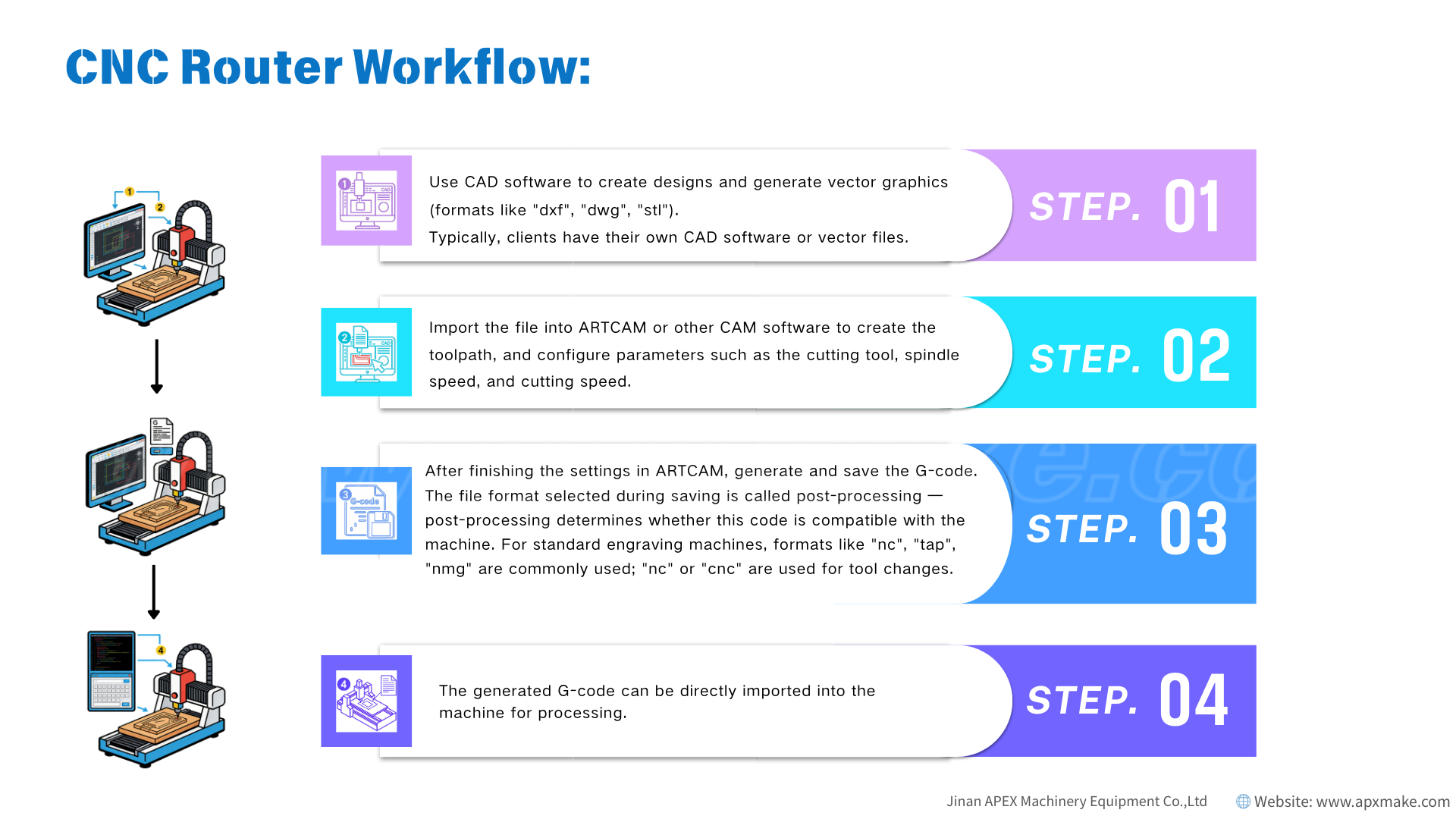
 Step 1: Use CAD software to create designs and generate vector graphics(formats like”dxf”,”dwg”,”stl”). Typically, clients have their own CAD software or vector files.
Step 2: Import the file into ARTCAM or other CAM software to create the tool path, and configure parameters such as the cutting tool, spindle speed, and cutting speed.
Step 3: After finishing the settings in ARTCAM, generate and save the G-code.The file format selected during saving is called post-processing -post-processing determines whether this code is compatible with the machine. For standard engraving machines, formats like “nc”,”tap”,”nmg” are commonly used; “nc” or “cnc” are used for tool changes.
Step 4: The generated G-code can be directly imported into the machine for processing.
Post time: Jan-14-2026